Small everyday tools have a predictable lifecycle.
First, you build a tool, a script, a skill, something that solves one irritating problem. It lives in a terminal command, a generically named repo, a Google Doc, or a file somewhere on your local disk. You did a good job, so the tool becomes indispensable very quickly.
Then something changes. You go on vacation or whatever and you don’t need that tool for a few days or weeks. So you forget it exists and end up frustrated one day, months later, when you half remember that some part of your workflow used to be easier. Where the heck did you save that dang script? Even Codex can’t find the skill you’re talking about… Did you actually set it up in Claude?
(Do other people do this in other domains? Are carpenters constantly building random little wooden widgets and then losing them eventually amongst all the other wood?)
If this sounds like the lived experience of your ADHD-blessed corporate bestie… Well. Hi. I’m the problem. It’s me.
But hey, we live in the age of AI, so I built a thing for all my other things to live in! (This is not at all like what I do when I buy a new set of boxes at Container Store and expect them to change my life… I swear.)
Meet Workshop
I built Workshop, a small macOS app that gives independent, local-first tools a shared home. It isn’t trying to become an everything app. It’s the layer that, for me, makes the small apps usable as a system, with a few extra bells and whistles because I wanted to. Workshop is one desktop frame with intentional installation, local preferences, and a clear line between public code and private data.
(Do the carpenters also do this? Is this how like, toolboxes were invented?!)
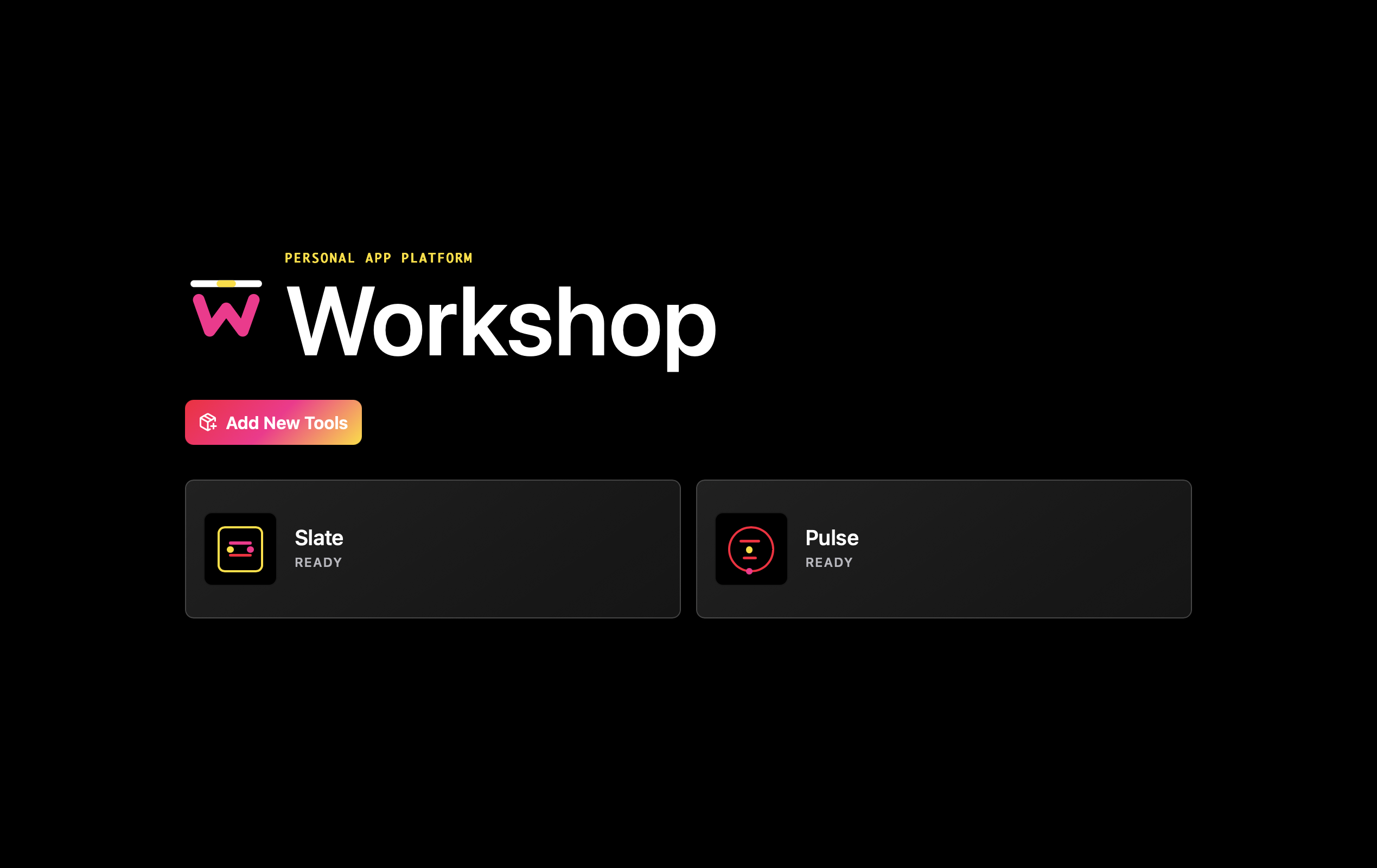
When I set out with the initial idea for Workshop I had two main goals: I wanted a desktop app that could live in my dock, instead of a webapp that would just be Chrome tab number 347. I also really didn’t want to build a monolith. I wanted something I could half commit my local messy tools to just to see if they could survive the light of day. A design conversation with Codex led me to Tauri, and the Workshop concept of a wrapper tool that functions only as a shell for other things. Every tool in Workshop has its own repo, its own docs. The messes, at the very least, are forced to remain in their own piles.
I also wanted to try building something another person could use, just to push myself to not fully half ass it, so I thought through privacy pretty much from day one. With the apps I’ve built inside Workshop my personal data stays in deliberately selected local folders, not in the public repos. And thus, so does yours.
Two small tools, two different jobs
Workshop currently includes two apps: Slate and Pulse.
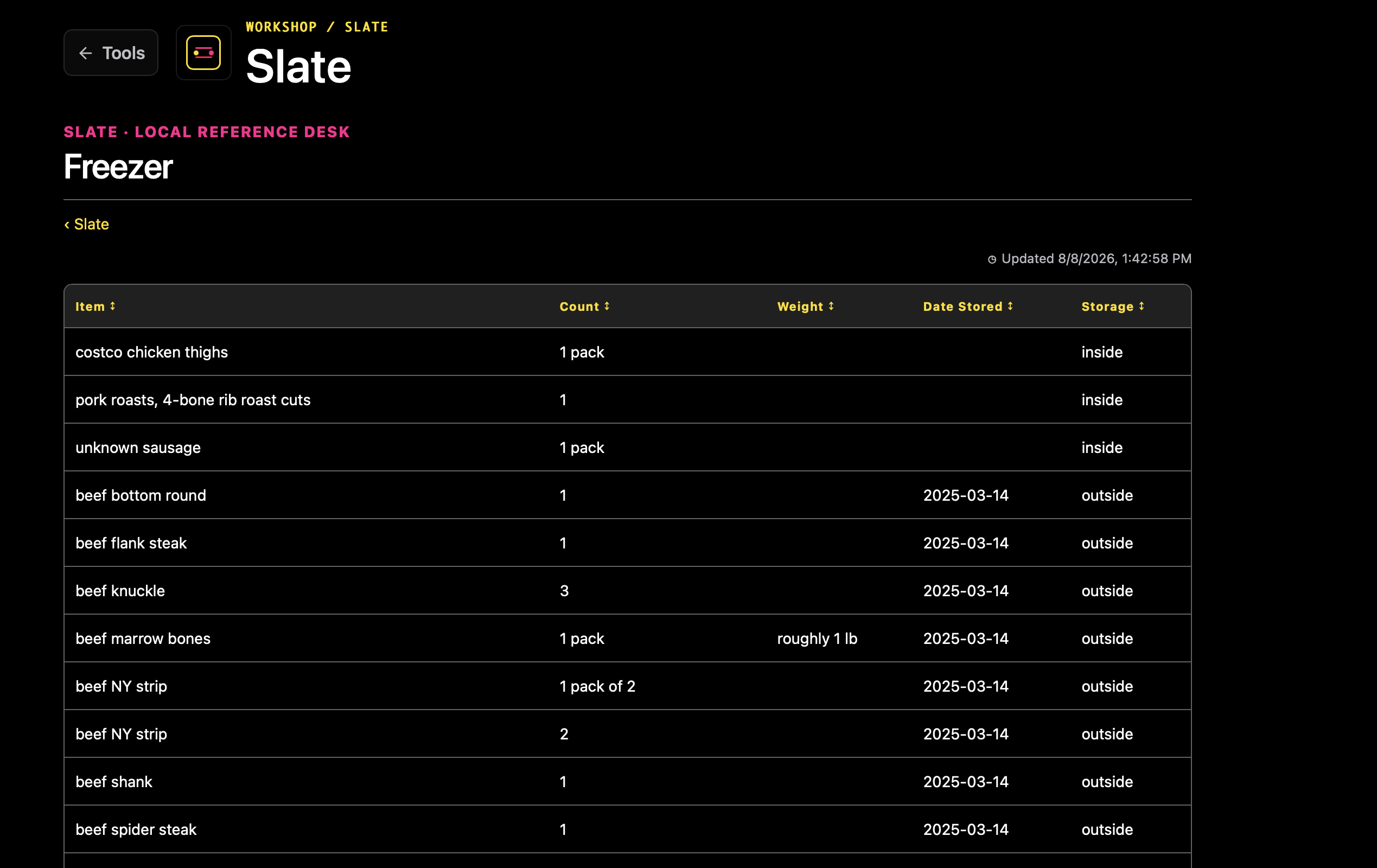
Slate is a local reference desk. You explicitly choose the Markdown files it can read, then Slate gives them a more visually appealing home. It can handle a few different file types like standard docs, long pages with multiple subheads that become tabs, and tables.
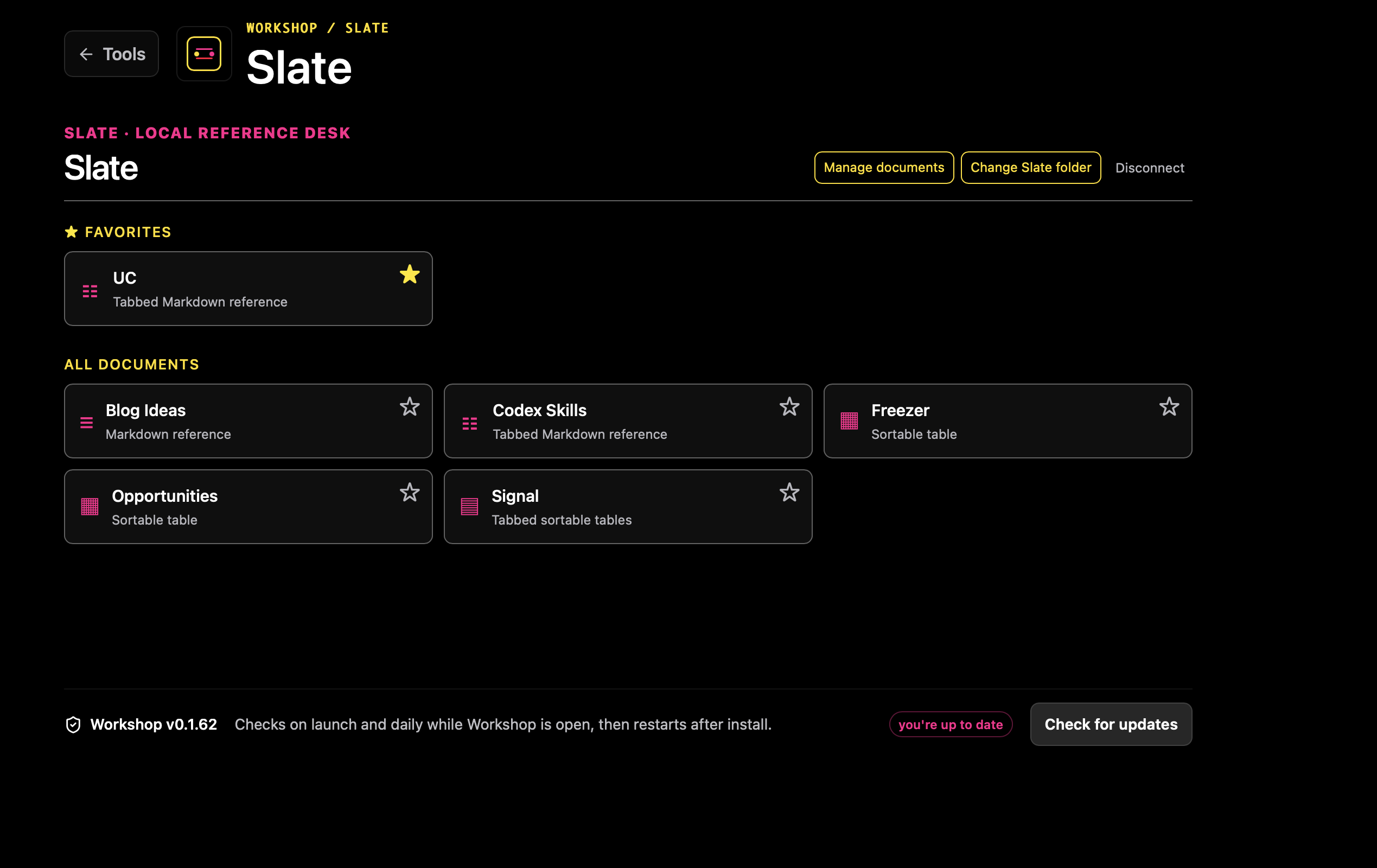
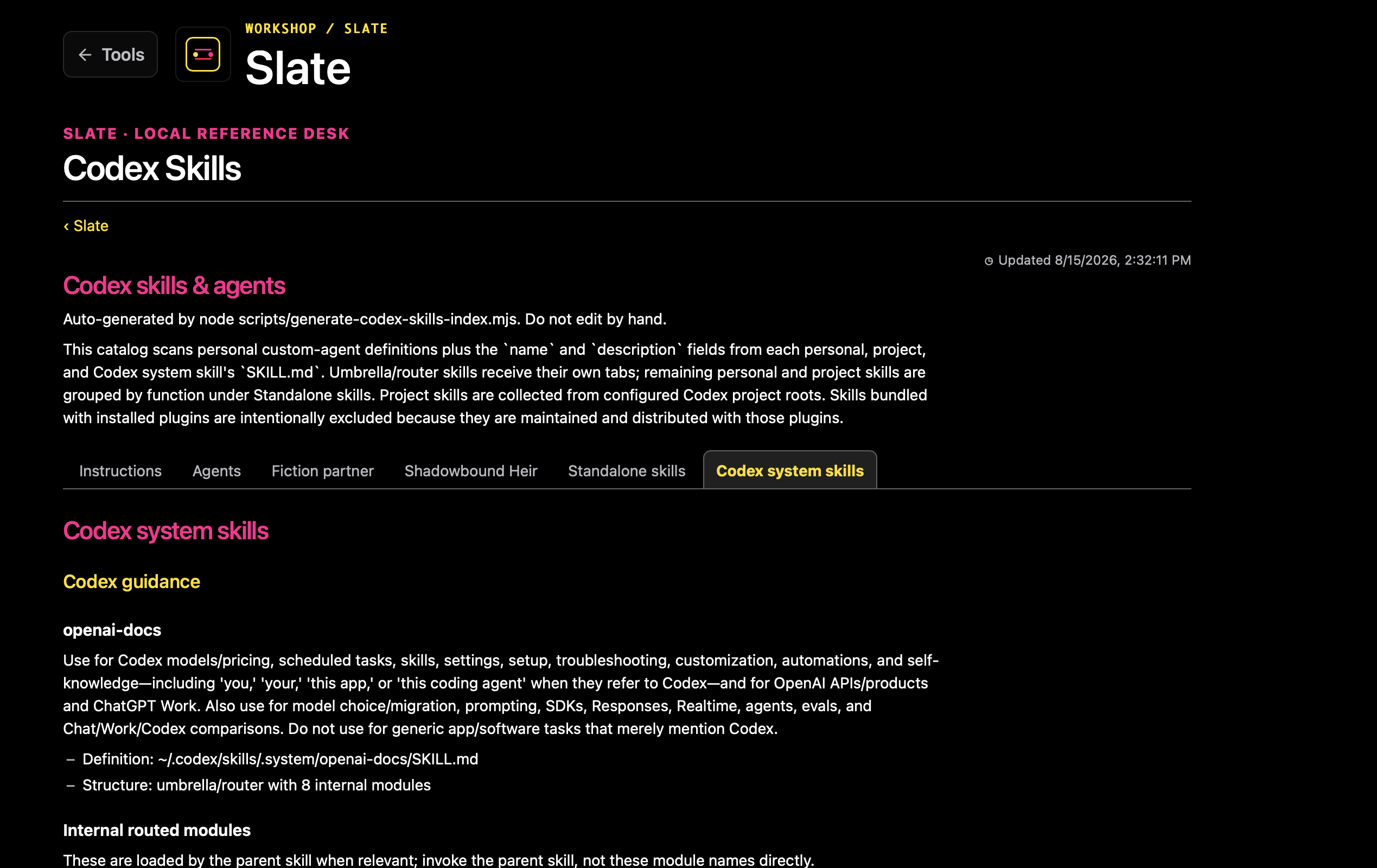
Slate is the tool that finally pushed me over the edge to build Workshop. I use GUPPI, my AI agent, to manage the task list for my consulting business and personal life. GUPPI keeps it in one extremely long Markdown file, which had become hard to parse at a glance. Slate turns that same file into a tabbed view and updates whenever the local file changes.
I also use Slate for the table-based inventory of my outdoor chest freezer, my business opportunity tracker, and a tabbed inventory of all my AI skills. I’m starting to adapt some weekly Codex automations to write their results to Markdown, so the useful output doesn’t disappear into chat threads. Those automations surface SEO opportunities for websites I manage and generate blog ideas for me and my clients.
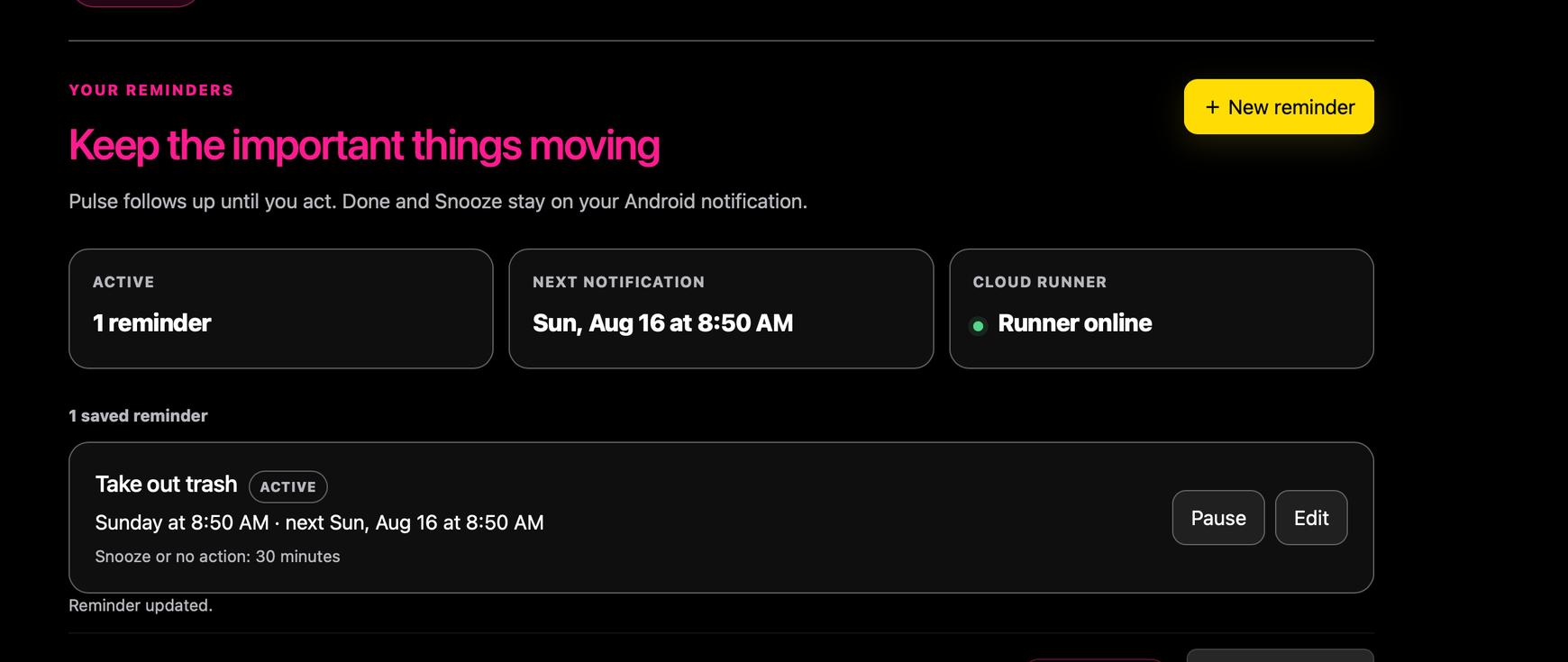
Pulse does a completely different job. It manages recurring reminders and follows up through an Android notification until I mark something done or snooze it. Because of the aforementioned ADHD, there are some reminders in my life that I just need to be supremely, reliably annoying in a very specific way, so I actually do the things. Pulse’s runner, credentials, and reminder data stay behind a narrow local and secure-service boundary. Workshop gives Pulse a home and a constrained way to connect.
Try Workshop
Workshop is available for Apple Silicon. No account required. If you want to inspect the source, find it on GitHub (and don’t forget to leave a star!).
Download for macOS